Présentation
La plateforme PixHome (ci-après « la Plateforme ») est éditée par Webmix.fr SARL, SARL au capital de 10 000 €, immatriculée au RCS de Saint-Pierre de la Réunion sous le numéro B 901 638 726, dont le siège social est situé au 4 avenue du Père René Payet, 97450 Saint-Louis, France (ci-après « la Société »).
Les présentes Conditions Générales d'Utilisation (CGU) régissent l'accès et l'utilisation de la Plateforme ainsi que de l'ensemble des services proposés. En accédant au site et en utilisant les services, l'utilisateur accepte sans réserve les présentes CGU. En cas de désaccord, il doit cesser toute utilisation. La Société se réserve le droit de modifier les CGU à tout moment ; les CGU applicables sont celles en vigueur au moment de l'utilisation.
1. Services proposés
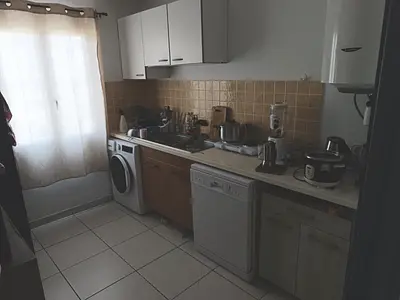
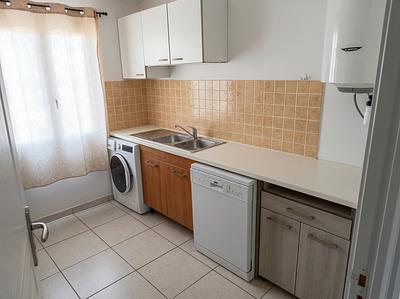
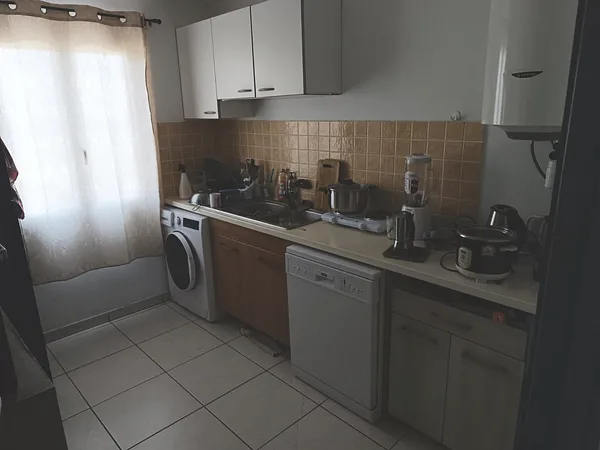
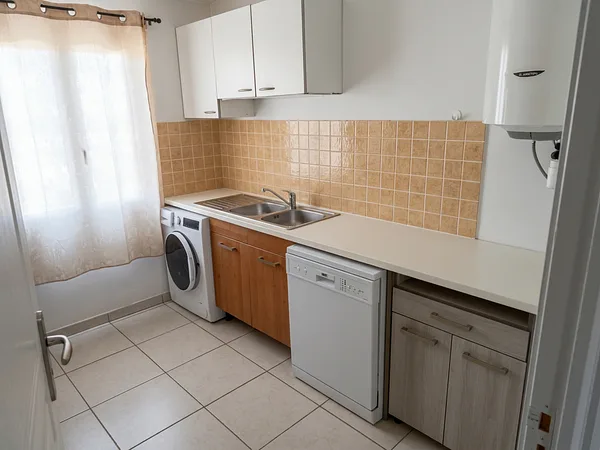
PixHome est une plateforme de modification et amélioration d'images par intelligence artificielle. Le service permet à l'utilisateur d'uploader des photographies et d'obtenir des versions transformées générées automatiquement via des modèles d'IA prédéfinis.
L'accès aux services de génération est conditionné à la détention de crédits. Les conditions d'achat de crédits sont décrites dans les Terms of Sale de la Plateforme.
2. Accès et conditions d'utilisation
L'utilisation du service est réservée aux personnes physiques majeures ou aux personnes morales dûment habilitées. L'utilisateur s'engage à utiliser le service de manière loyale, légale et conforme aux présentes CGU.
Il est strictement interdit :
- d'utiliser le service à des fins frauduleuses, illicites ou contraires à l'ordre public ;
- de porter atteinte aux droits de tiers, notamment les droits à l'image et droits de propriété intellectuelle ;
- de tenter de perturber, contourner ou compromettre le fonctionnement du site ou de ses serveurs ;
- d'utiliser des outils automatisés non expressément autorisés (robots, scrapers, bots) ;
- de revendre, sous-licencier ou exploiter commercialement le service sans accord écrit préalable.
Tout manquement à ces obligations peut entraîner la suspension immédiate du compte, sans remboursement des crédits restants.
3. Compte utilisateur
Certains services nécessitent la création d'un compte. L'utilisateur s'engage à fournir des informations exactes, complètes et à jour. Il est seul responsable de la confidentialité de ses identifiants de connexion.
Toute activité effectuée via un compte est réputée avoir été réalisée par son titulaire. L'utilisateur doit notifier immédiatement la Société en cas d'utilisation non autorisée de son compte.
La Société se réserve le droit de suspendre ou supprimer tout compte en cas de violation des présentes CGU, sans préavis ni indemnité.
4. Contenus générés par intelligence artificielle
Les images produites par les outils d'IA sont générées automatiquement à partir de modèles entraînés et des instructions ou photos fournies par l'utilisateur. Ces contenus sont fournis à titre indicatif.
La Société ne garantit pas :
- la qualité, l'exactitude ou la cohérence des résultats ;
- l'originalité des contenus générés ni leur absence de similarité avec des œuvres préexistantes ;
- l'absence de violation de droits de propriété intellectuelle de tiers.
L'utilisateur est seul responsable de la vérification des contenus générés avant toute utilisation, notamment à des fins commerciales ou publicitaires. Il s'engage à ne pas utiliser le service pour générer des contenus illégaux, diffamatoires, haineux, à caractère pornographique, ou portant atteinte à la dignité humaine.
5. Contenus uploadés — Responsabilité de l'utilisateur
L'utilisateur garantit être titulaire de l'ensemble des droits nécessaires sur les images et fichiers qu'il uploade sur la Plateforme, notamment les droits à l'image des personnes représentées.
Il est formellement interdit d'uploader :
- des images représentant des personnes mineures ;
- des contenus illicites, violents ou à caractère sexuel ;
- des images pour lesquelles l'utilisateur ne détient pas les droits nécessaires.
La Société se réserve le droit de supprimer tout contenu contraire à ces règles et de suspendre le compte concerné, sans remboursement des crédits restants.
6. Propriété intellectuelle
La Plateforme, son interface, ses fonctionnalités, ses marques et l'ensemble de ses éléments graphiques et techniques sont protégés par le droit de la propriété intellectuelle et sont la propriété exclusive de la Société ou de ses partenaires.
L'utilisateur conserve les droits sur les photographies originales qu'il uploade. Concernant les images générées par IA, leur statut juridique dépend des législations applicables en vigueur, qui peuvent évoluer. L'utilisateur les utilise sous sa propre responsabilité.
La Société se réserve le droit d'utiliser les contenus générés de manière anonymisée et agrégée à des fins d'amélioration de ses modèles et de son service, sauf opposition expresse de l'utilisateur.
7. Limitation de responsabilité
Le service est fourni « en l'état » (as-is), sans garantie de disponibilité permanente, de performance ou d'adéquation à un usage particulier.
La Société ne pourra être tenue responsable des dommages directs ou indirects résultant :
- de l'utilisation ou de l'impossibilité d'utiliser le service ;
- d'erreurs, d'omissions ou d'inexactitudes dans les contenus générés ;
- d'une interruption ou d'une indisponibilité temporaire du site ;
- de l'utilisation que l'utilisateur fait des résultats produits.
En cas d'interruption technique avérée entraînant la perte de crédits imputables à la Société, ces crédits seront restitués à l'utilisateur.
8. Données personnelles
Le traitement des données personnelles collectées dans le cadre de l'utilisation du service est régi par la Privacy policy de la Plateforme. En utilisant ce service, l'utilisateur accepte ce traitement conformément au Règlement Général sur la Protection des Données (RGPD).
9. Droit applicable et juridiction compétente
Les présentes CGU sont régies par le droit français. En cas de litige et à défaut de résolution amiable dans un délai de 30 jours, les tribunaux compétents du ressort du siège social de la Société (Saint-Pierre de la Réunion) seront seuls compétents.
Conformément aux dispositions du Code de la consommation, l'utilisateur peut également recourir à un médiateur de la consommation pour tout litige de nature contractuelle.
10. Contact
Pour toute question relative aux présentes CGU ou au fonctionnement du service : contact@pixhome.co
 Français
 English
 Español
 Deutsch
 Português
 Italiano
 Nederlands